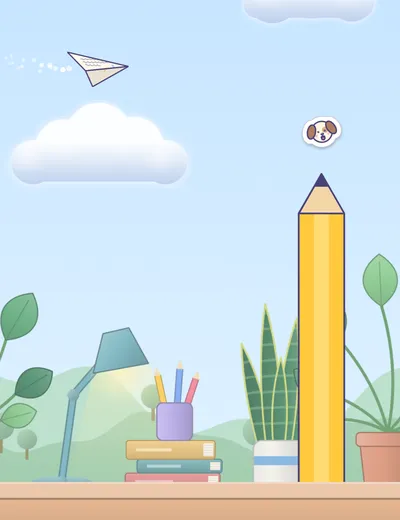

Route 1 · free
Sunny Desk
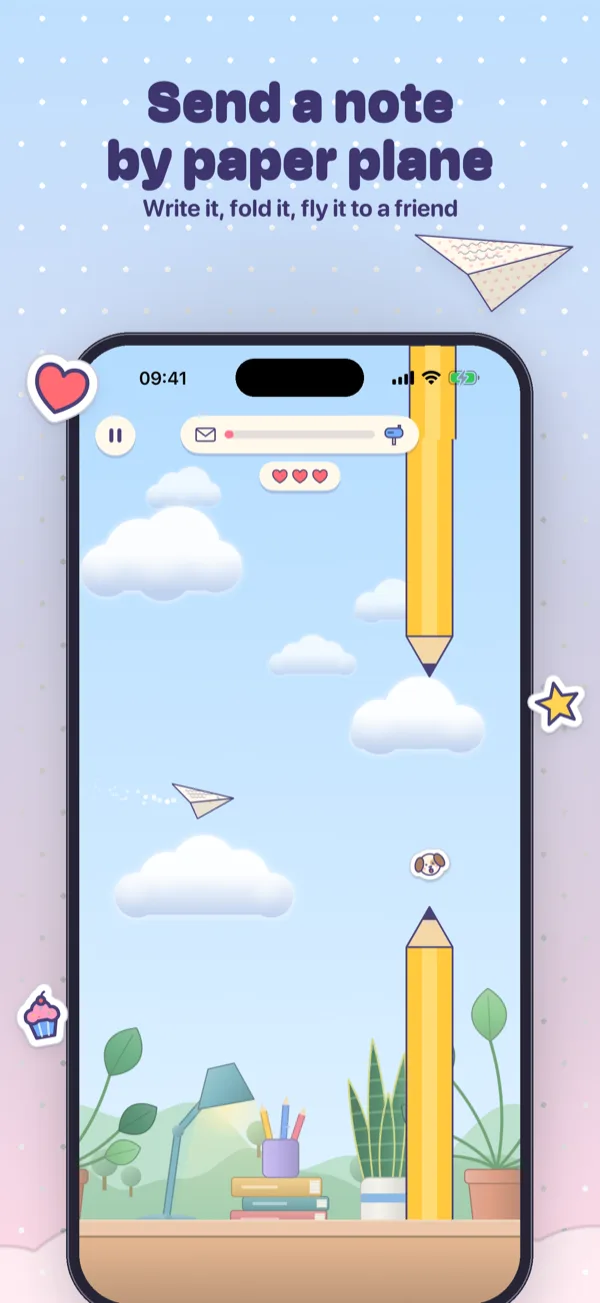
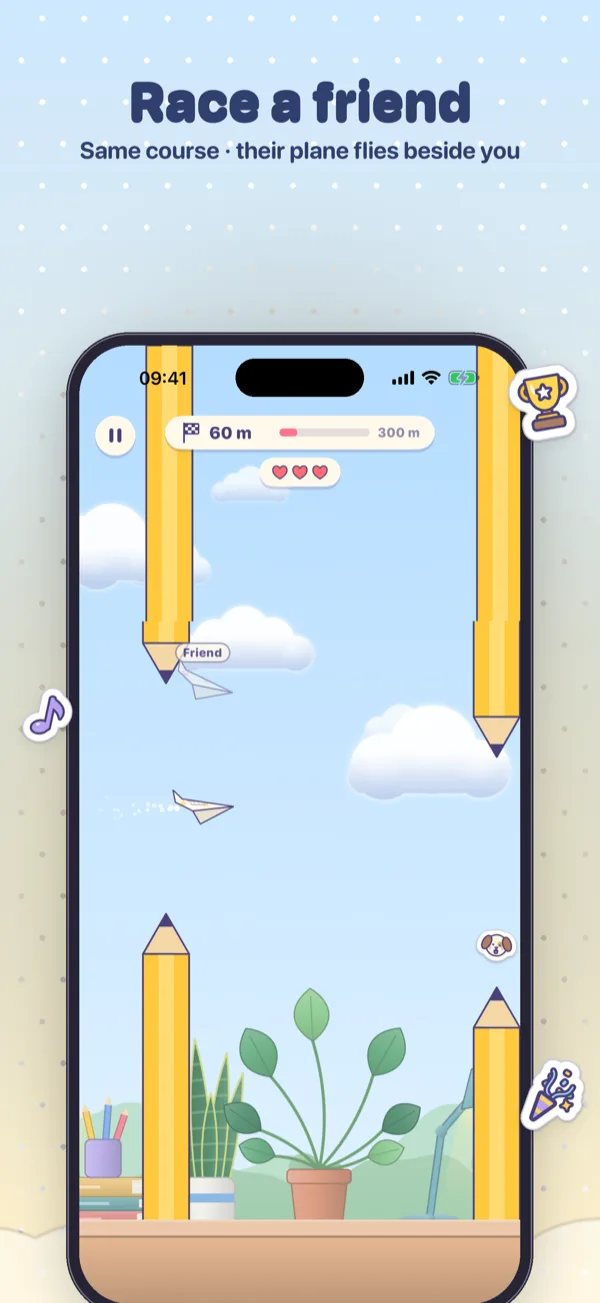
Over the desk, past coffee mugs, candles and a curious cat.
 New in 1.2: Race mode, Snowy Park and 80 stickers
Paper Post turns a short message into a tiny adventure. Write a little note, fold it into a paper plane with your own fingers and fly it to your friend. How the flight goes decides how the note arrives. Or race: fly as far as you can, then dare a friend to beat it on the very same course.




 140characters per note
 4routes to fly
 3paper planes80stickers to collect
 12papers0ads or trackers
Choose a route
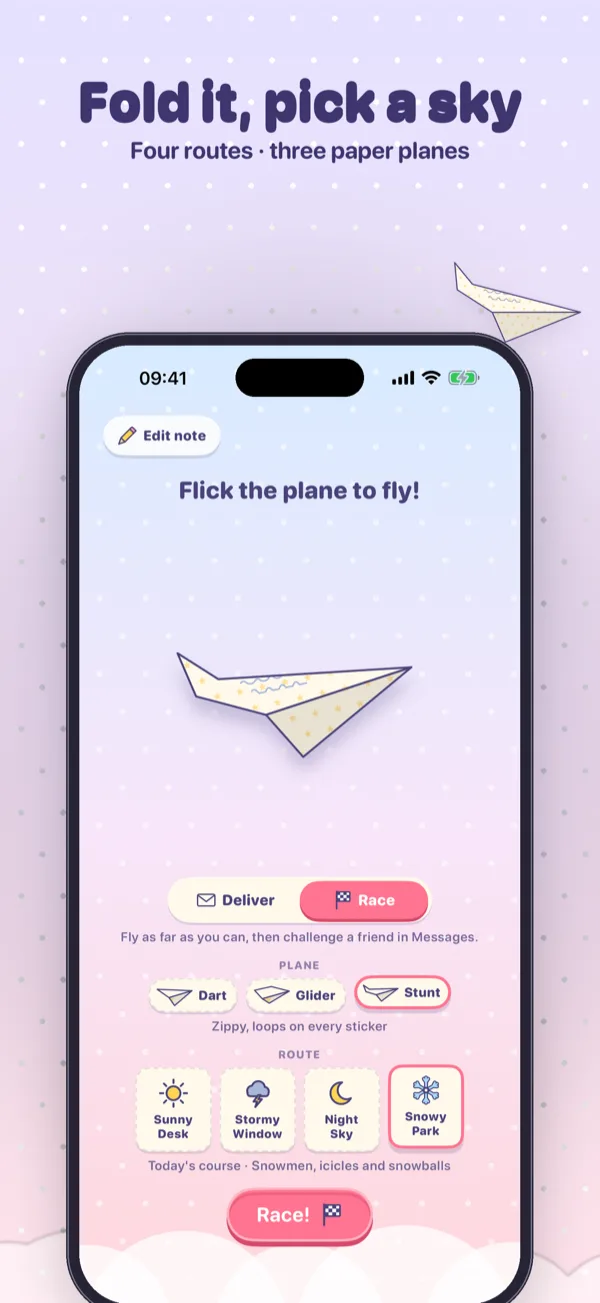
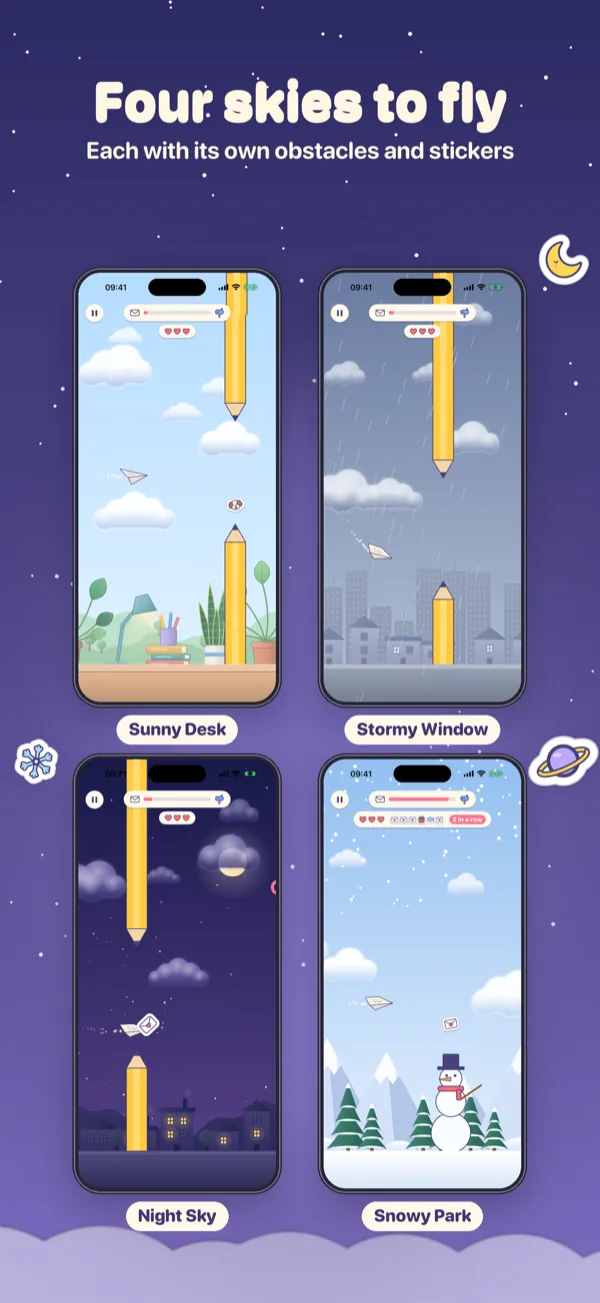
Before launch you pick the route. Each one has its own sky, its own weather, its own things to dodge and its own stickers to catch.
Route 1 · free
Over the desk, past coffee mugs, candles and a curious cat.
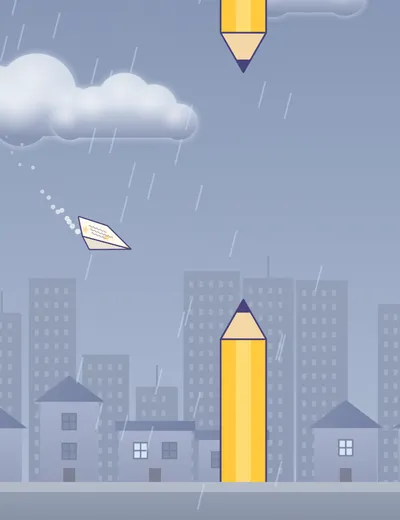

Route 2
Out through the window into rain, gusts and thunderclouds.

Route 3
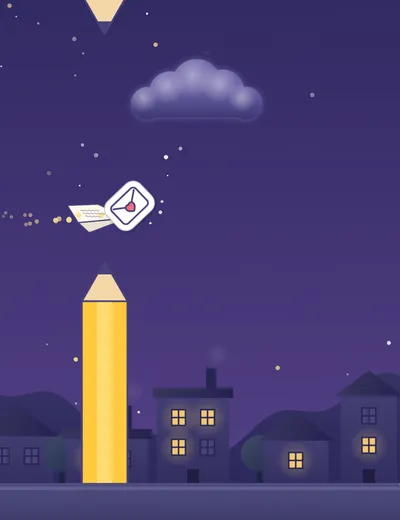
Across the dark by candlelight, with scissors waiting to snip a corner.

Route 4 · new
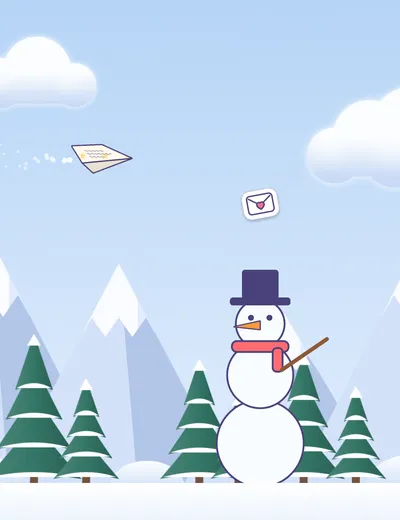
Past snowmen, icicles and a snowball fort. Every bump there leaves frost on the note.
Pick a plane
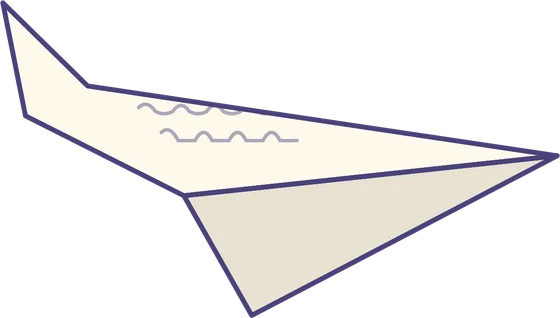
Each plane is printed with your paper and your writing, and each one flies its own way.
Write, fold, fly
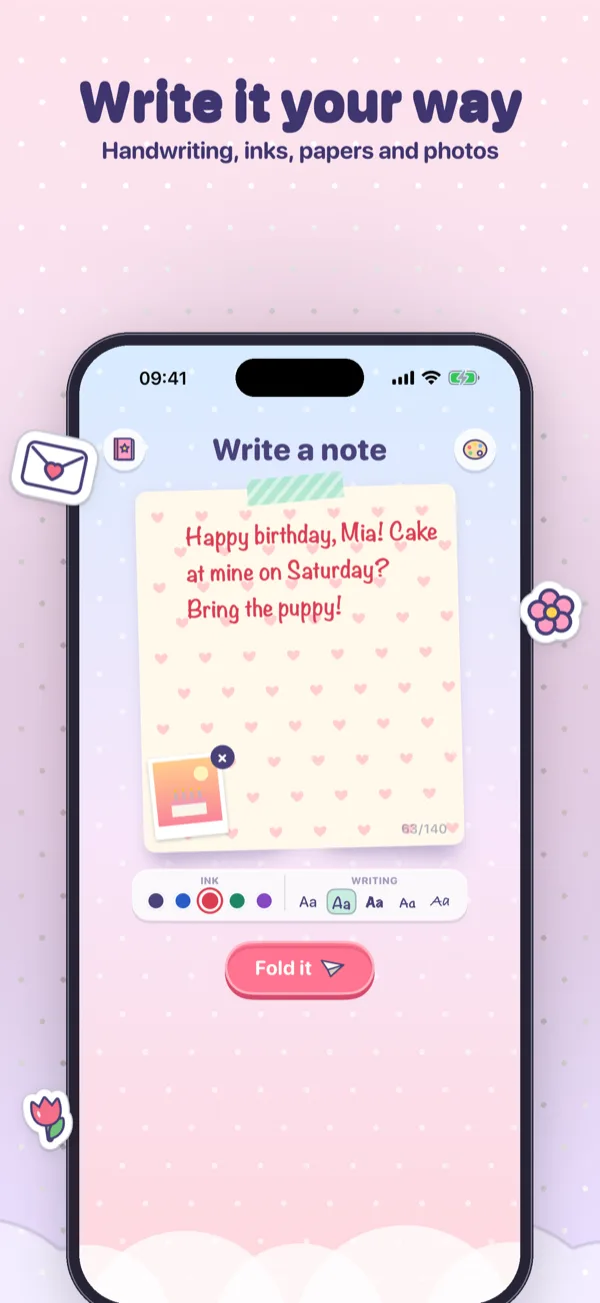
Write up to 140 characters, fold the note into a plane and fly it there. The note always arrives, and the flight only changes how.
Five handwriting styles, five ink colors and twelve papers. Add a photo and it sticks to the note like an instant picture.

Drag to crease the corners and the wings until your note becomes a plane. Then flick it to launch.

Hold to climb and let go to dive. Catch stickers one after another without a bump to build a combo, and squeeze past for a close call.

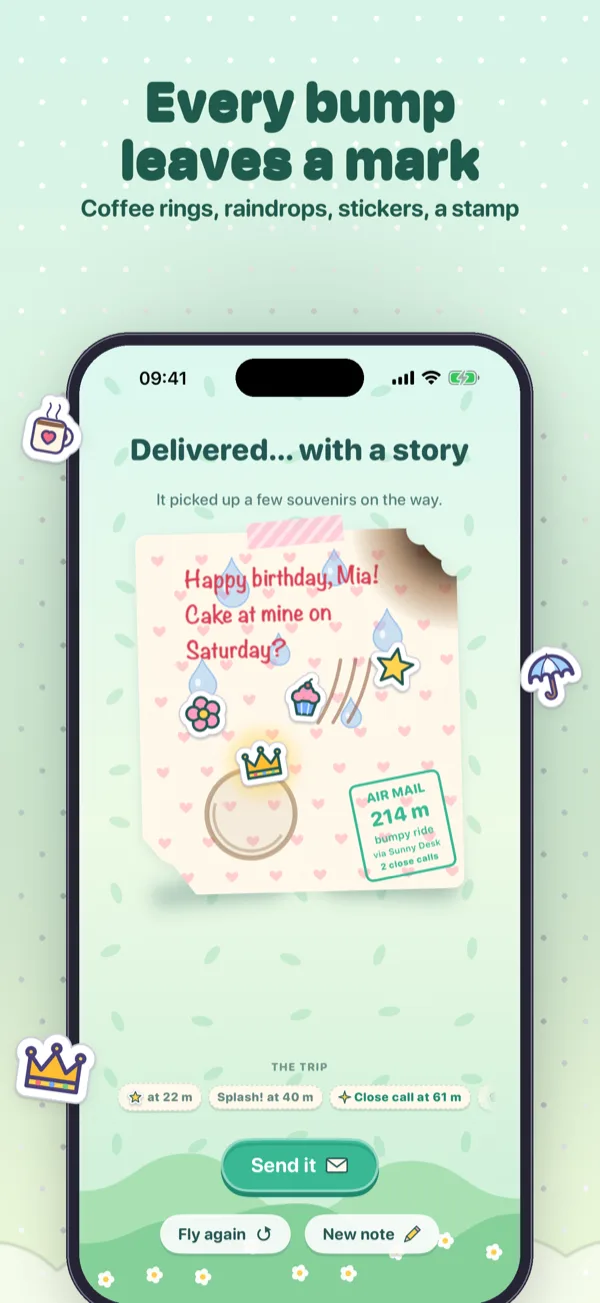
A coffee mug leaves a ring, rain leaves raindrops, a candle singes a corner, the scissors snip one off and the snow leaves frost.

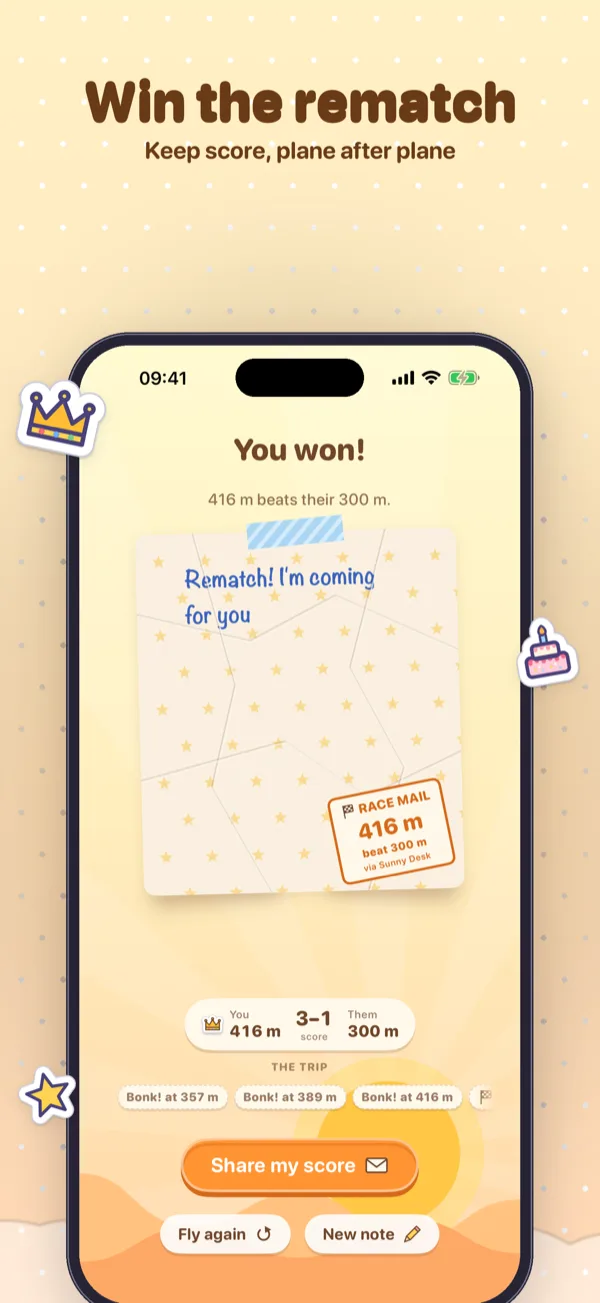
Three bumps and the plane crash-lands, crumpled but delivered. On arrival the note replays its trip, bump by bump, before the air-mail stamp lands.

Write about a birthday and candles appear. Mention coffee and mugs turn up. A loving note fills the sky with hearts to catch.
Collect them all
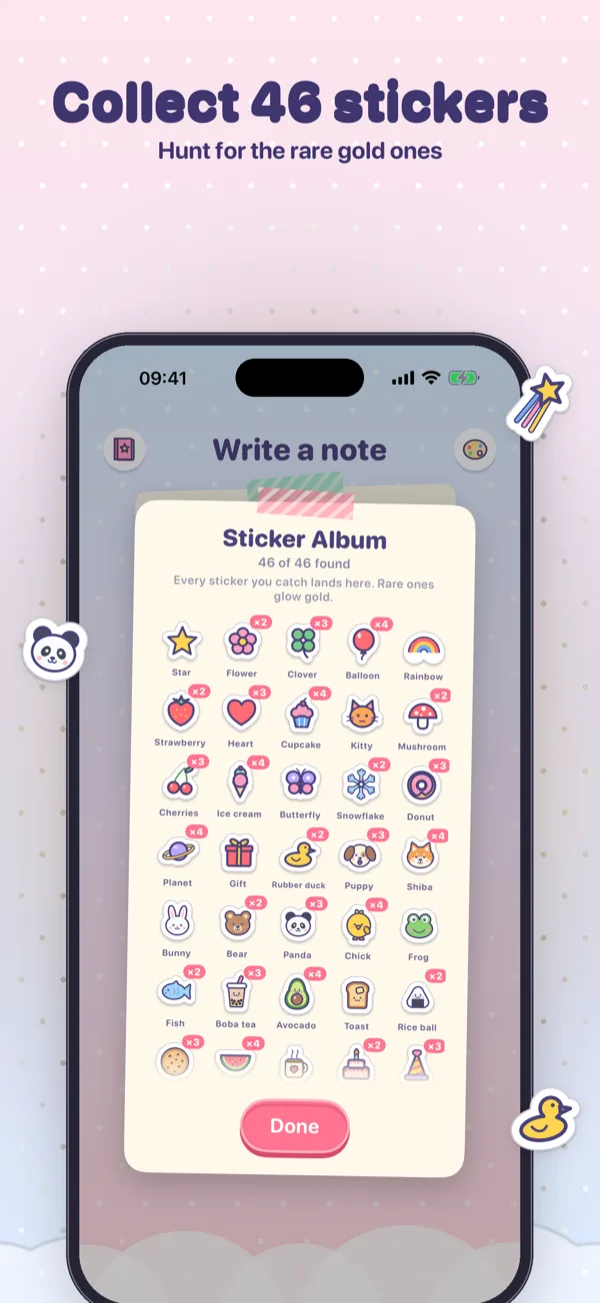
Cupcakes, frogs, boba, a shiba and a little duck float in the trickiest spots of every route. Whatever you catch is stuck onto the note for your friend to see, and kept in your sticker album.
Every route also hides a set of six you can only find there, from a teacup on the Sunny Desk to a penguin in the Snowy Park. The last of each set is a golden rare, and a route’s passport stamp in the album turns gold once you have found them all. The crown, the comet and the trophy are rare gold ones too.
From 1 December to 6 January, Santa, a Christmas tree, a reindeer and a gingerbread friend float over the Snowy Park.
New: Race mode
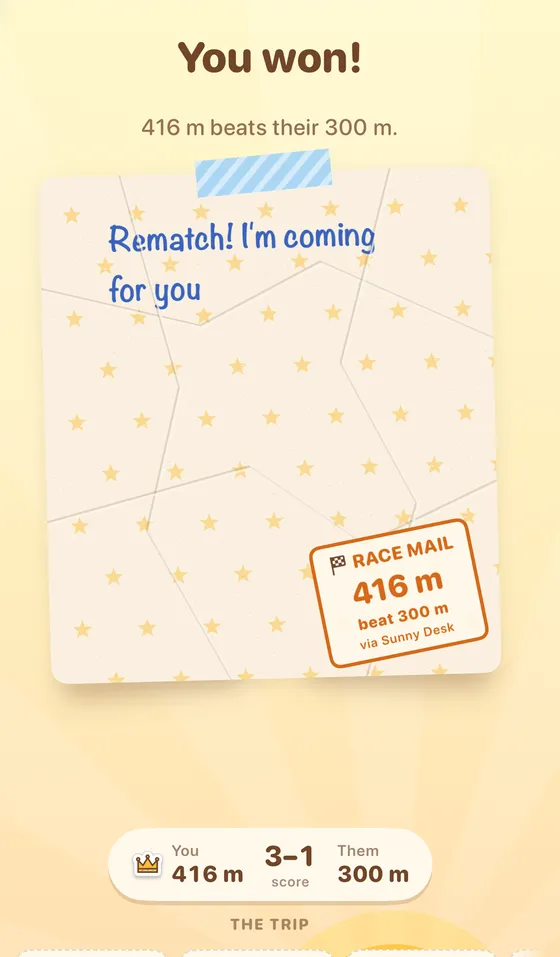
Pick Race instead of Deliver and fly as far as you can. Each route has a course of the day, so the obstacles and stickers are the same on every phone. It speeds up and gets harder the further you go, and three bumps end the run.
Race mode is free. Outside Messages, share your score as a picture.

A look inside
Every paper, plane, sticker and doodle in Paper Post is drawn in code, and its gentle music and sounds are synthesized for this app, each with its own switch.
Make it yours
A look changes the whole app, scenery included. The paper is the sheet you write on, and it travels with the note, so your friend sees the same paper you chose.
Private by design
Between friends
Paper Post has no chat of its own, no feed and no public profiles. Notes go through Apple’s Messages, or through the share sheet as a picture, to the people you choose.
A plane may come home singed, snipped or crumpled, and the note inside is always delivered.
The Full Kit
One in-app purchase, the Full Kit, opens every route, plane, look, paper and pen, and photos on notes. No subscription and no ads, ever.
| Feature | Free | Full Kit |
|---|---|---|
| Write, fold, fly and send notes | Included | Included |
| Race mode | Included | Included |
| Opening the notes you receive | Always as sent | Always as sent |
| Routes | Sunny Desk | All four |
| Planes | Dart | All three |
| Looks | Cotton Candy | All five |
| Papers | Plain | All twelve |
| Pens | 2 styles, 2 inks | All five of each |
| Route sticker sets | Sunny Desk | All four |
| Photos on notes | — | Included |
The Full Kit is a one-time, non-consumable purchase through the App Store, restorable at any time from the purchase screen, and it supports Family Sharing.
Download Paper Post for iPhone, write a little note and fly it to a friend.